AR Account Search when Posting Charges
When users search for an AR account when posting charges or performing a balance transfer, if the AR account is discrepant, one of the following messages will be displayed based on the operation performed:
-
Invalid for the transaction dates
-
On hold
-
Credit limit exceeded
-
Authorize to proceed further.
Users can authorize to proceed with posting the charge. The messages will be displayed in the following screens:
-
Pantry - Front Desk, Reservations
-
Transfer Charges - Reservations, Groups
-
Transfer Amount (Balance Transfer) - Reservations, Groups
-
Adding charges within an AR account in the Non-Invoiced Charges section
Transferring Charges via Routing Rule
When charges are posted to an AR account via a routing rule from a reservation or group, and if the charges exceed the credit limit of the AR account, the charges are posted to the default folio and the following message is displayed at the top of the reservation page or group: The routing rule could not be executed due to discrepancies with the AR account. Click here to override and continue to route charges. Upon overriding, open the routing rule to run the rule for already posted charges.
Clicking on the hyperlink will open the Override AR Charge Posting screen. Users can enter their credentials to authorize and select the run rule for already-posted charges option in the routing rule to override the discrepancy and route charges to the AR account.
Adding an AR Account as Direct Bill Payment Method
When users search for an AR account to be added as a Direct Bill payment method for reservations or groups, and the AR account is discrepant, one of the following messages will be displayed based on the operation performed:
-
Invalid for the transaction dates
-
On hold
-
Credit limit exceeded
-
Cannot proceed with the reservation move or booking.
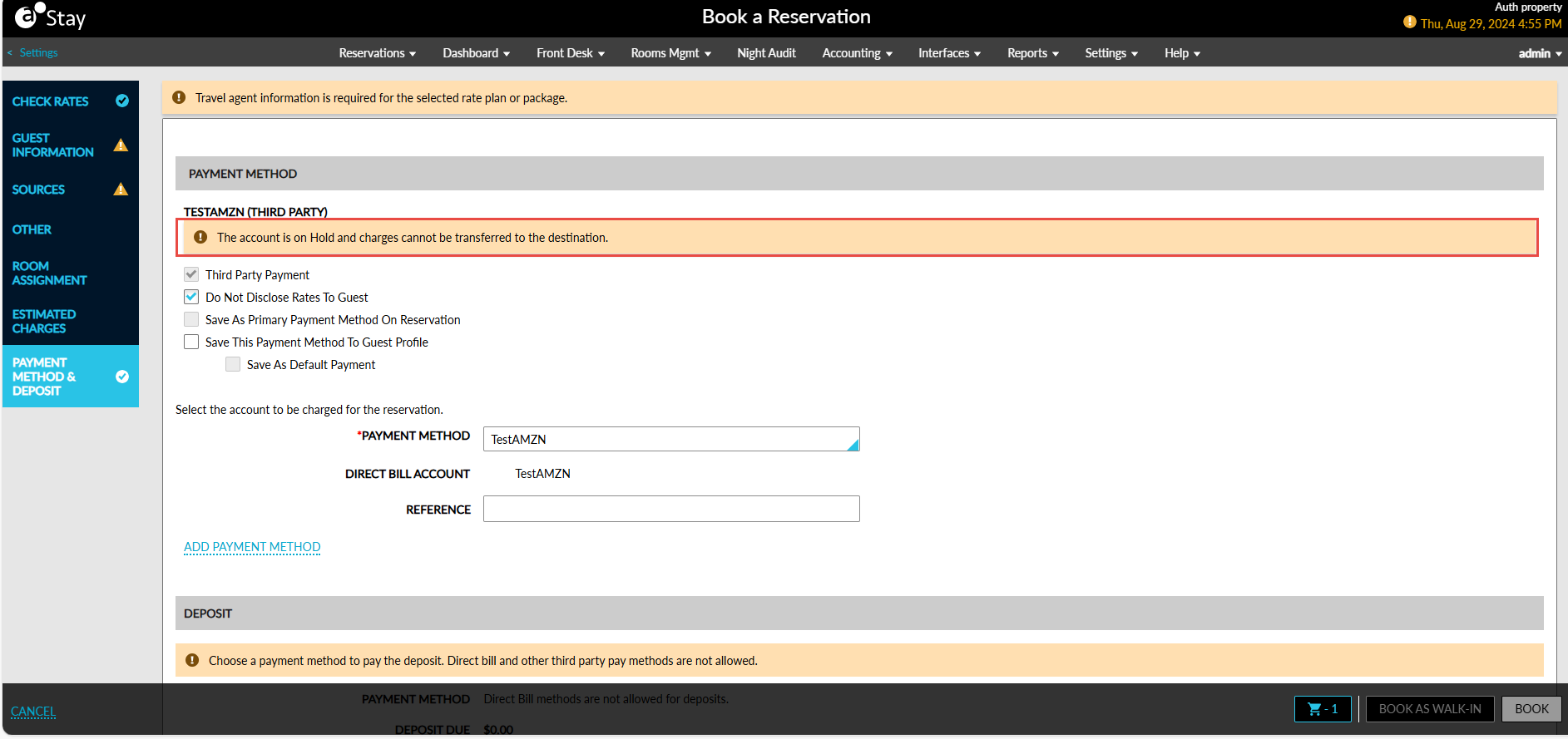
Users cannot procced further to add the discrepant AR account as Direct Bill in the following screens:
-
Reservation booking screen
-
Adding AR account as a direct bill to - reservations, groups, and routing rules
-
Copy reservations
-
Move reservations
-
Modify stay
-
Interface Channel Management - booking channels
-
Rate plans